Had enough of Android Auto barging in like an over-eager road-trip DJ? Here’s how to make it sit quietly in the back seat.
Now enjoy blissful silence while your phone sulks—like a teenager told to put the aux cord down.
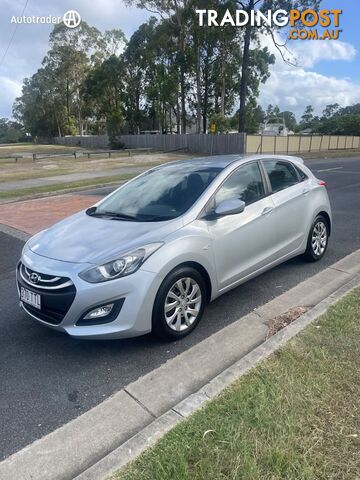 Cars For Sale
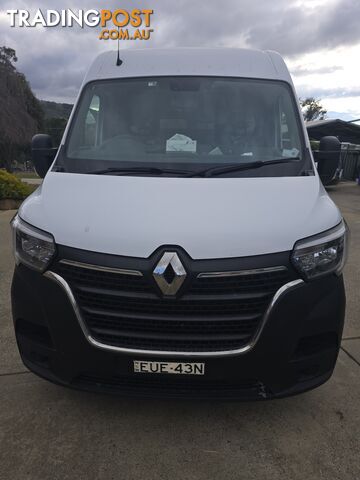 Cars For Sale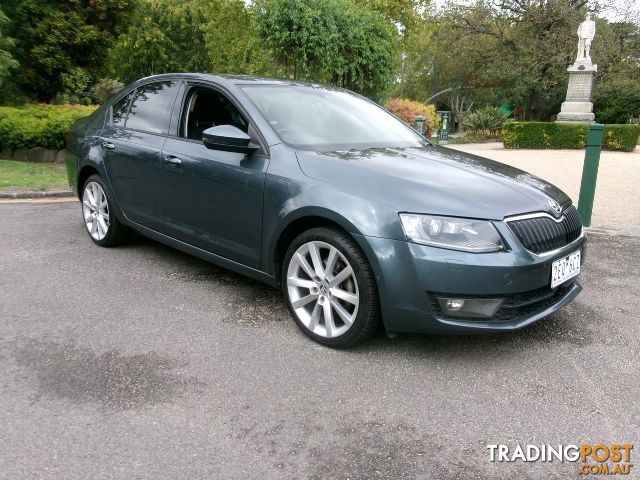
 Cars For Sale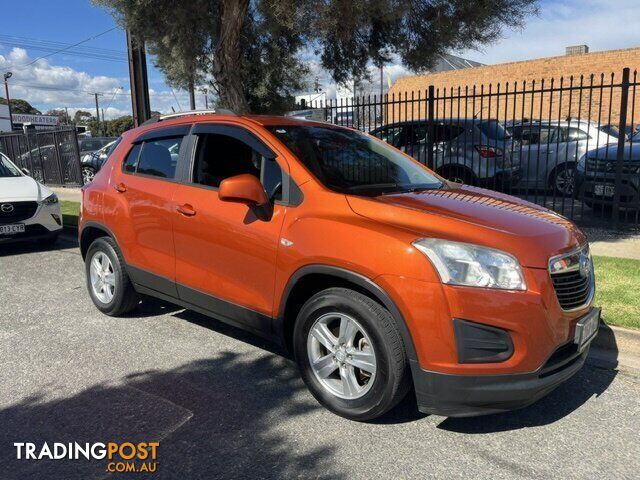
 Cars For Sale
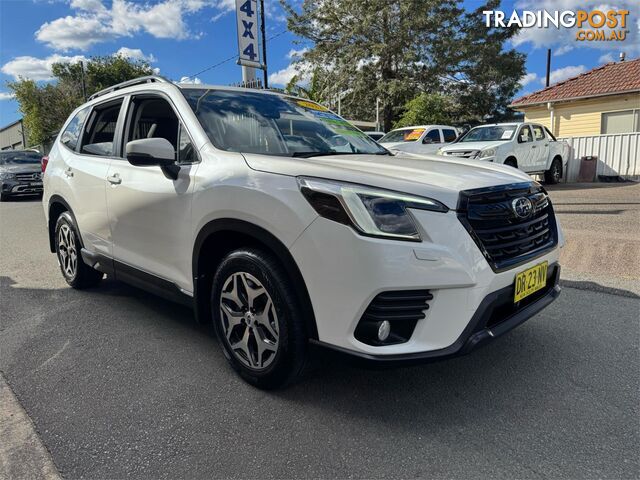 Cars For Sale
Listing your ad only takes a few minutes, and most categories are free.
Post an adA weekly hand-picked round-up of the best bargains, free stuff, and trending listings. No spam, unsubscribe anytime.
Know someone looking to buy or sell something? Send them to Tradingpost, Australia's original marketplace.
Know the warning signs of a dodgy deal before you buy or sell online.
Read the guideRead guide