Most Hyundai models sold in Australia from around 2016 support Apple CarPlay, usually via a trusty USB cable, with some newer trims offering wireless CarPlay.
To set up: plug in your iPhone, unlock it, accept the prompts on both screens, then enable CarPlay in the vehicle’s settings; for wireless setups, pair Bluetooth first so the Wi‑Fi handoff can do its thing.
If it’s not playing ball, update iOS, try a high‑quality MFi cable, check that CarPlay isn’t restricted in Screen Time, and make sure the car’s head unit firmware is current.
Heads‑up: many Hyundais with larger factory navigation screens stick to wired CarPlay, while smaller “Display Audio” units are more likely to go wireless.
For exact compatibility by model/year, check the owner’s manual or an Australian Hyundai dealer before you start shouting at the dashboard.
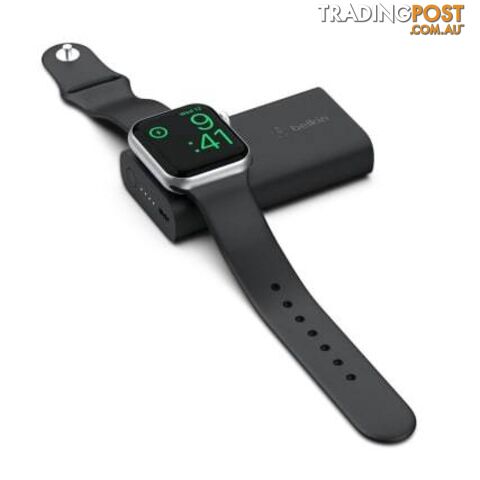 3Batteries and Chargers
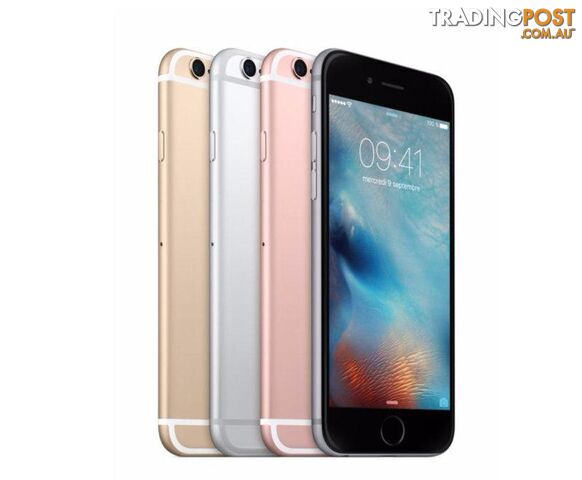 Mobile Phones
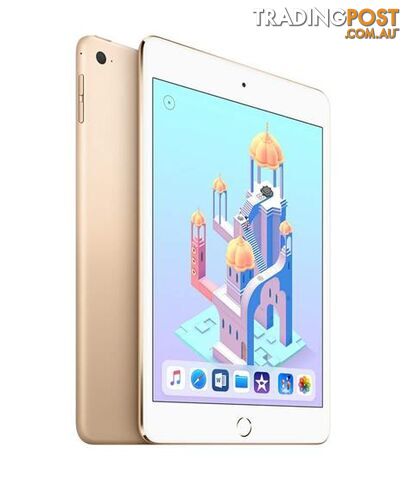 2Tablet Devices
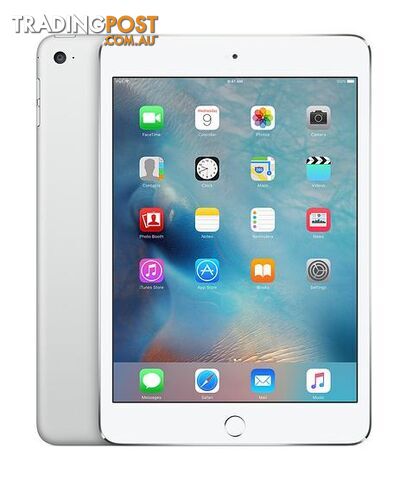 2Tablet Devices
 2Tablet Devices
 Interconnects and Cables
 2Tablet Devices
 2Tablet Devices
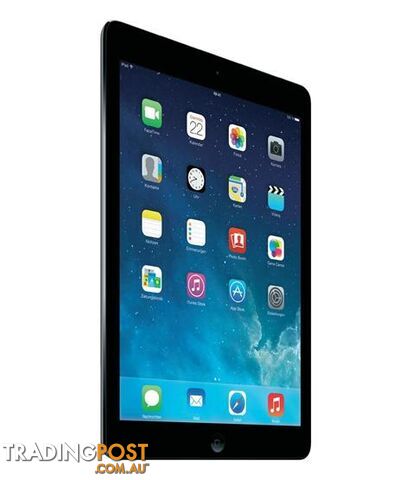 2Tablet Devices
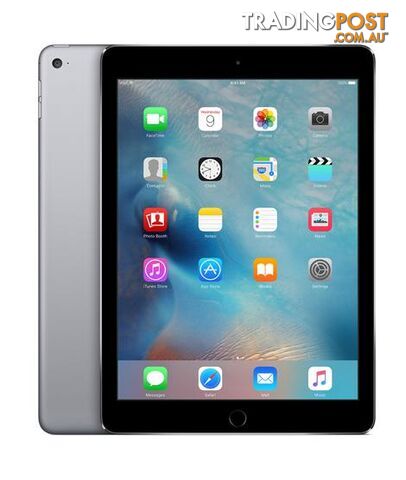 2Tablet Devices
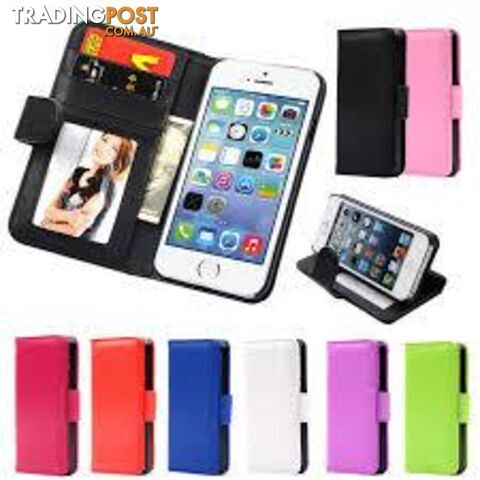 Mobile Phones Accessories
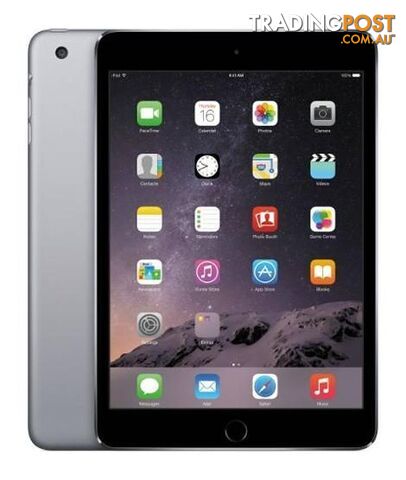 2Tablet Devices
 2Tablet Devices
 2Tablet Devices
 4Headphones and Microphones
 Mobile Phones Accessories
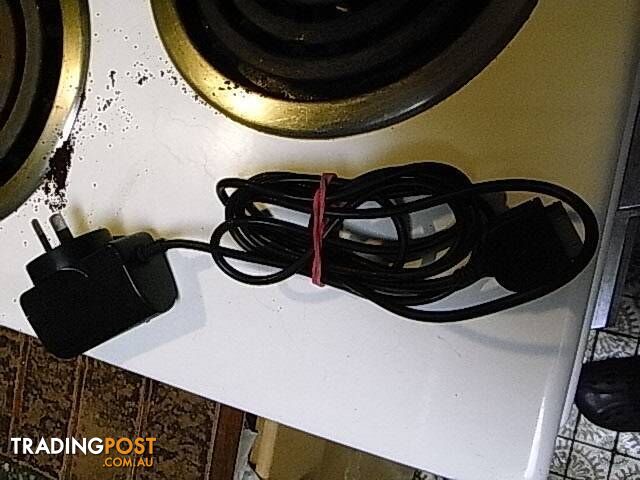 3Mobile Phones Accessories
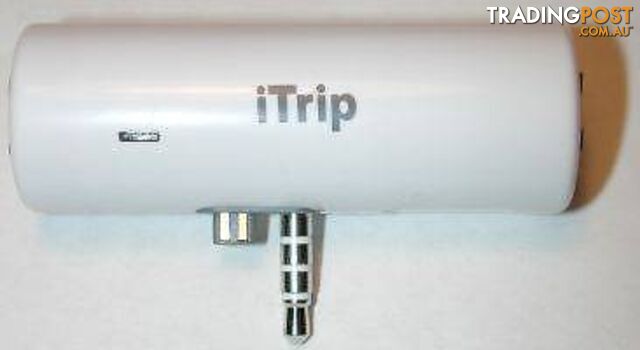 2Audio Systems
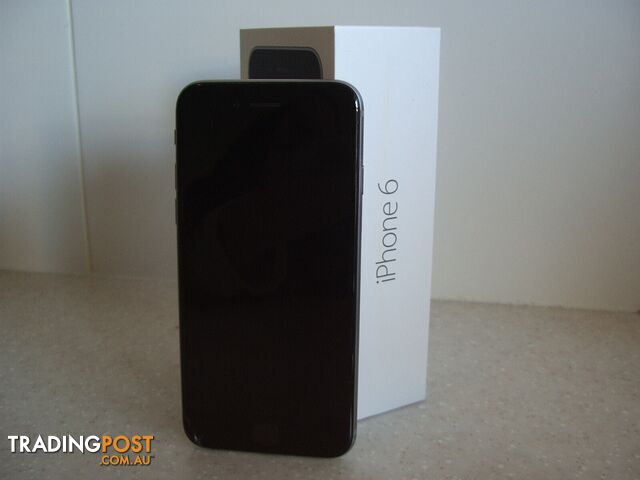 8Mobile Phones
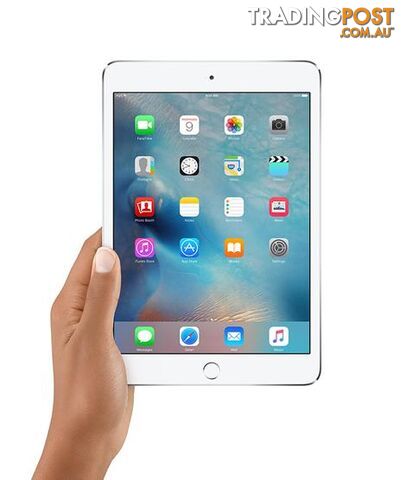 2Tablet Devices
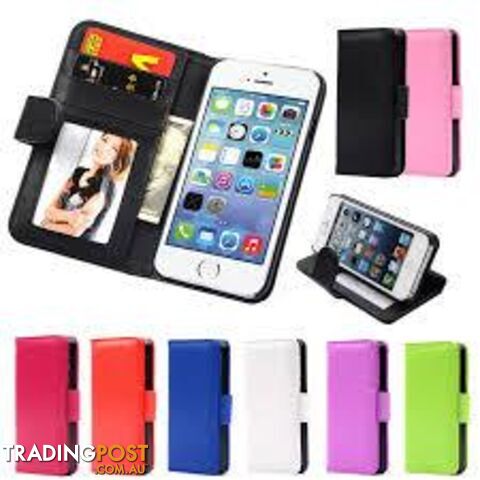 Mobile Phones Accessories
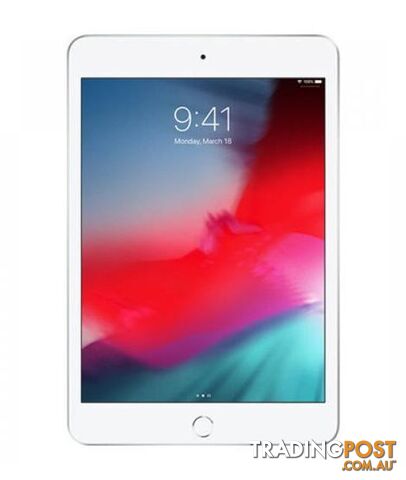 2Tablet Devices
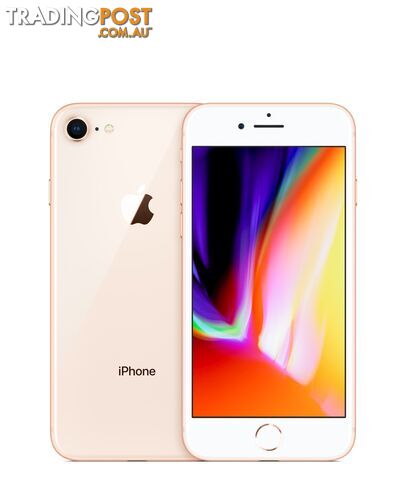 3Mobile Phones
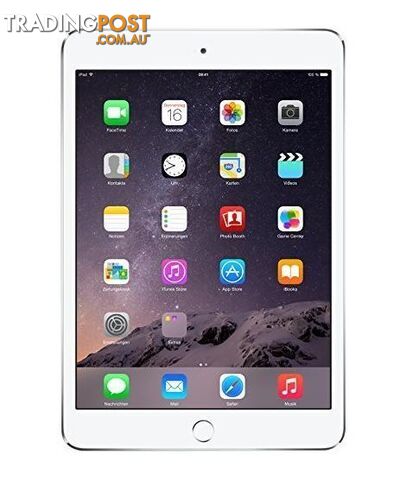 2Tablet Devices
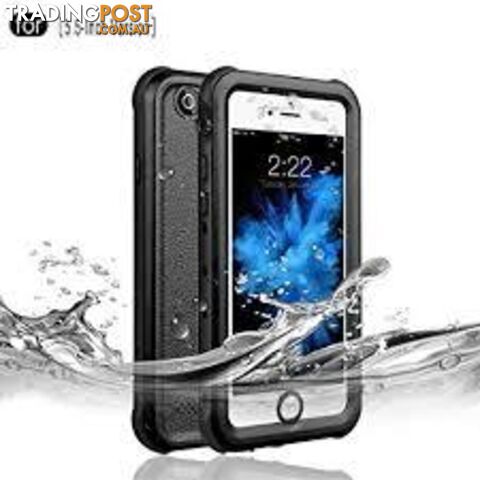 Mobile Phones Accessories
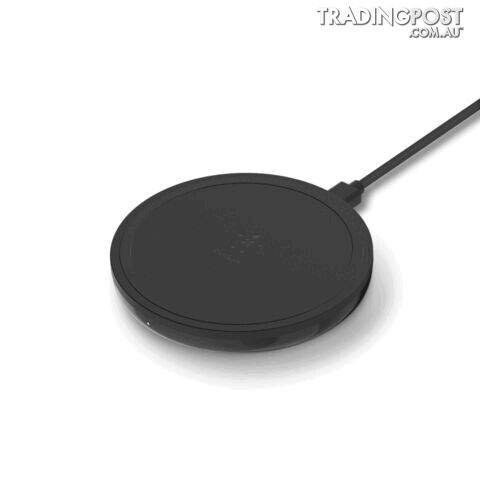 7Batteries and Chargers
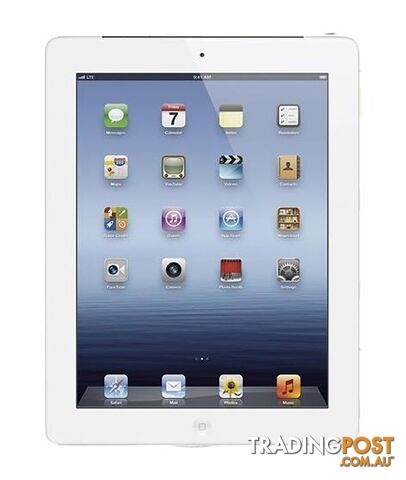 2Tablet Devices
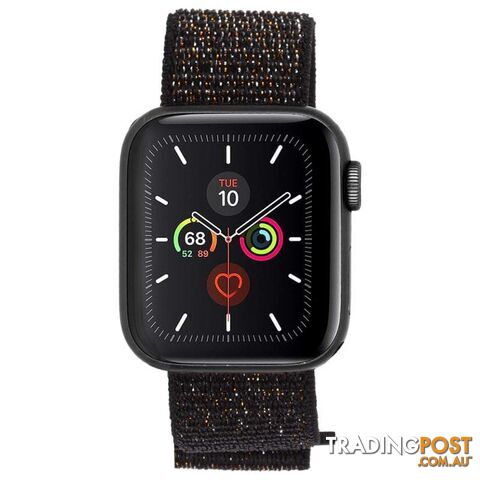 7Activity Trackers and Smart Watches
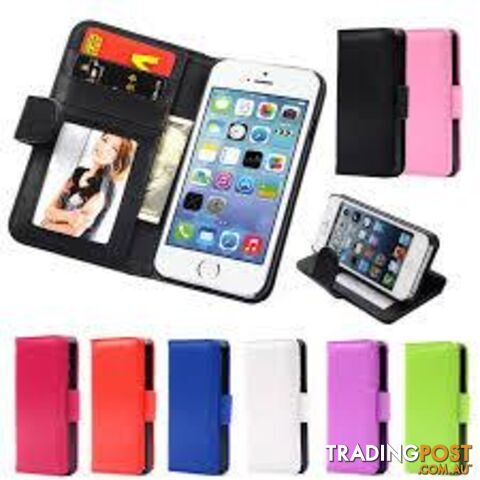 Mobile Phones Accessories
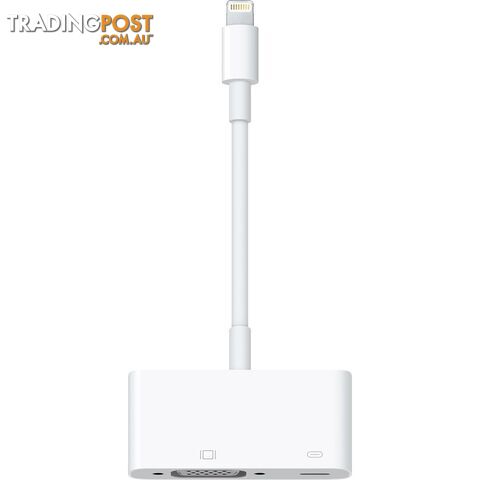 Batteries and Chargers
Listing your ad only takes a few minutes, and most categories are free.
Post an adA weekly hand-picked round-up of the best bargains, free stuff, and trending listings. No spam, unsubscribe anytime.
