Lost your car in a sea of white SUVs? Google Maps can mark your parked car automatically when you disconnect Bluetooth/CarPlay, or you can set it yourself.
After parking, tap the blue dot and choose Save parking (Android) or Set as parked location (iPhone).
To find it later, open Maps and search for "Parking location," or tap the blue P card that appears; you can add notes, a timer, and photos so you don’t forget Level 3, Bay 42.
Ready to reunite? Hit Directions to navigate back, or tap Clear to remove the marker once you’ve found your four-wheeled escape pod.
Just make sure Location, Bluetooth, and Notifications are on so Maps can do its little party trick.
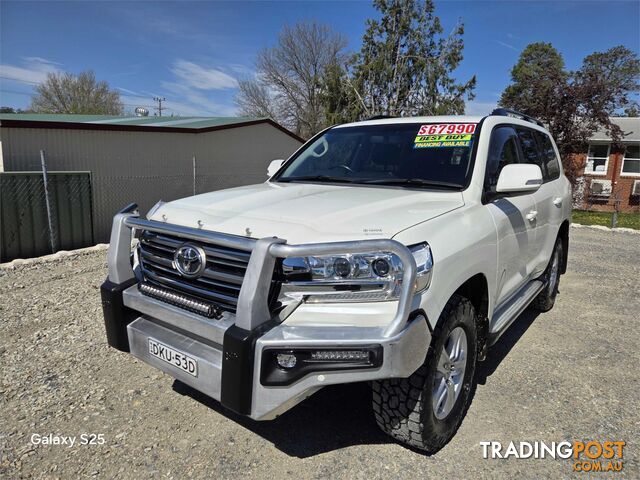 Cars For Sale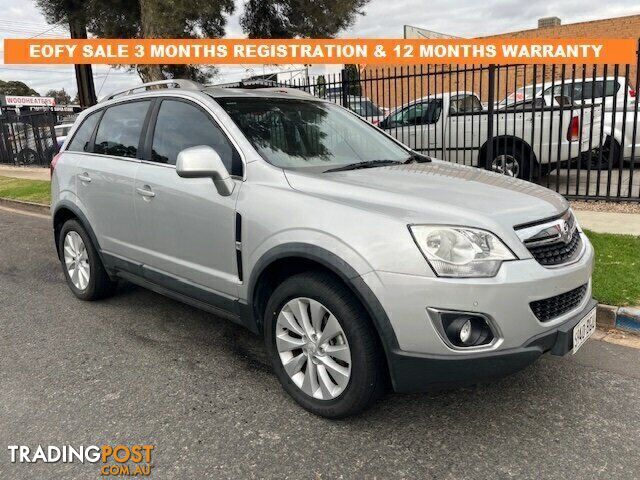
 Cars For Sale
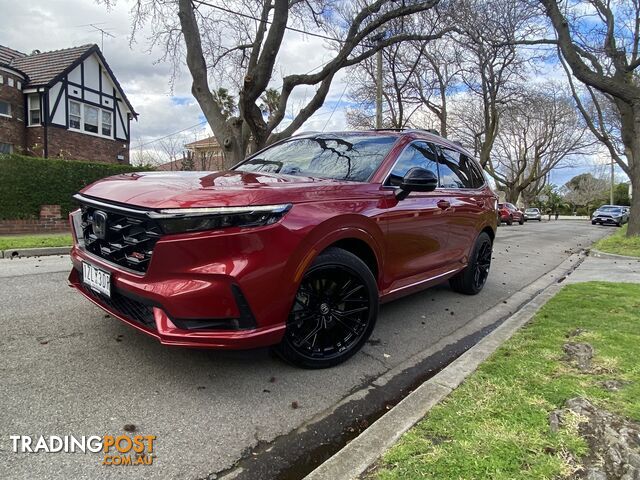 Cars For Sale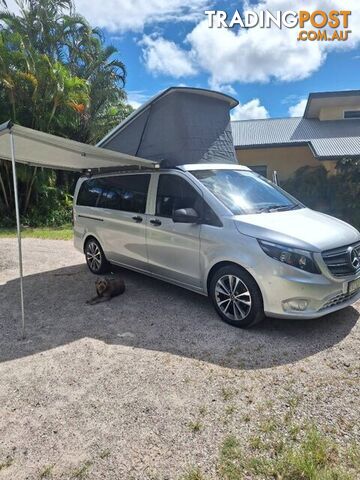
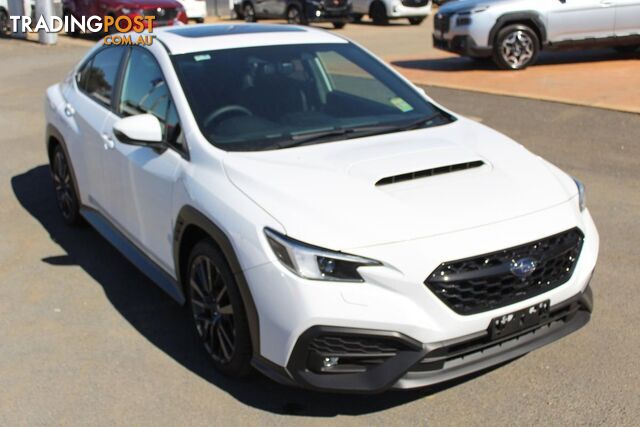
 Cars For Sale
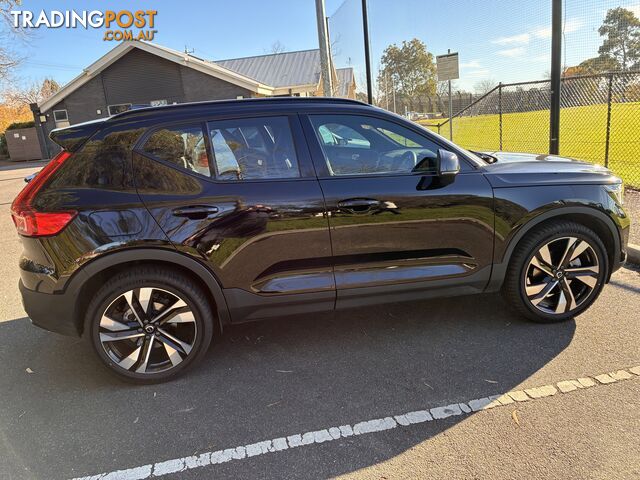 16Cars For Sale
 Car Parts and Panels
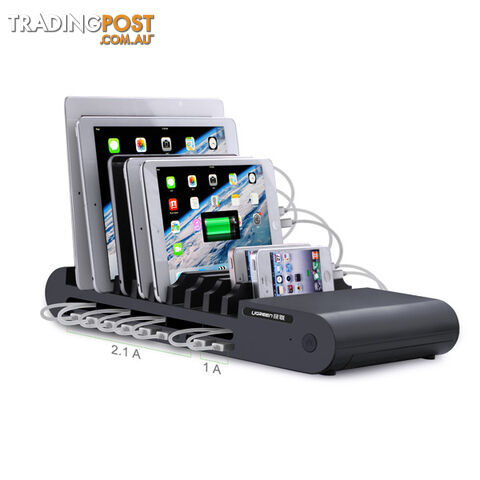 5Car Accessories
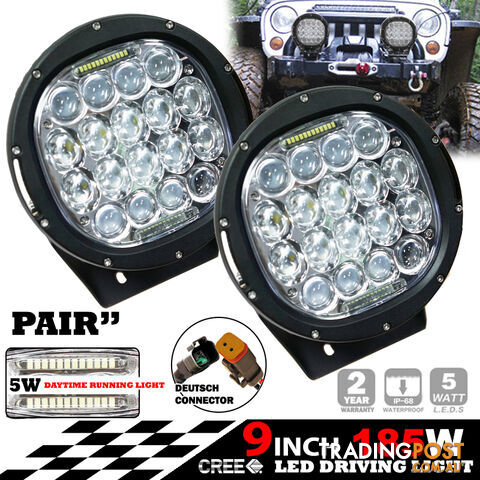 2Car Accessories
 8Businesses For Sale
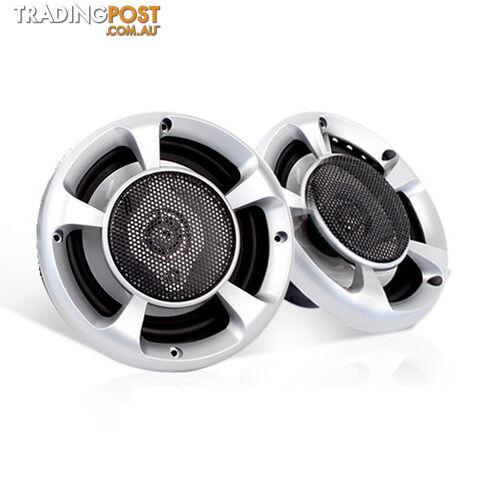 4Audio Systems
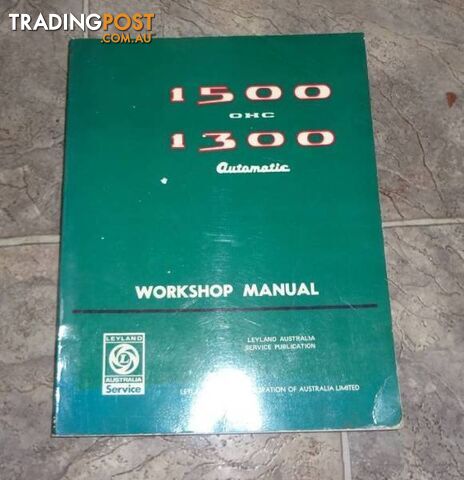 Car Parts and Panels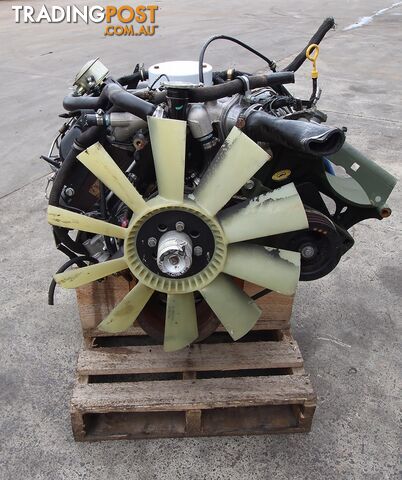
 Engines and Transmissions
 Car Parts and Panels
 Car Parts and Panels
 Car Parts and Panels
 Car Parts and Panels
 Car Parts and Panels
 Car Parts and Panels
 Car Parts and Panels
 Car Parts and Panels
 Car Parts and Panels
 Car Parts and Panels
 Car Parts and Panels
 Car Parts and Panels
 Car Parts and Panels
 Car Parts and Panels
 Car Parts and Panels
 Car Parts and Panels
 Car Parts and Panels
Listing your ad only takes a few minutes, and most categories are free.
Post an adA weekly hand-picked round-up of the best bargains, free stuff, and trending listings. No spam, unsubscribe anytime.
Know someone looking to buy or sell something? Send them to Tradingpost, Australia's original marketplace.
